Showing posts with label powercopy. Show all posts

Saturday, January 31, 2015

Re-configurable Formwork

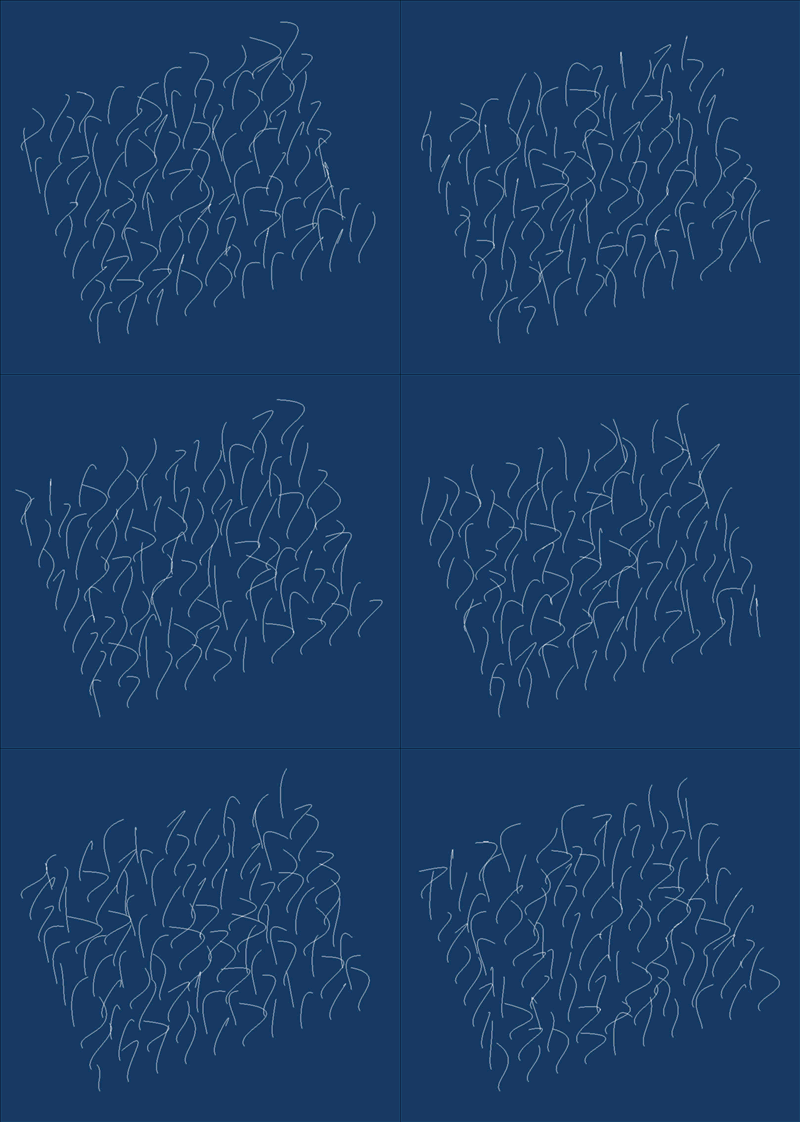
Building off the theme of a previous post, here is an example of a re-configurable formwork.  All the panels are the same and all the panels are identical.  By changing angles of the fold we are able to pleat or bunch, more and less locally across the surface.  Here we are also able to simulate the range of movement as it's not infinitely flexible.  As you pin the points, the overall assmebly begins to take its own form.

 
Image of physical prototype.


Wednesday, October 8, 2014

New and improved POWERCOPY tutorial

Previous tutorials used sketches to build the powercopy.  This new method is much more robust and will not break like previous approaches did.  There are times when using sketches makes sense but this method will be less likely to break down.

(click image to launch tutorial)


Based on feedback this video is much higher resolution (so it may take a minute to initiate depending on your connection speed).

It has also been a while since the last video tutorial and my settings were lost.  I apologize for the poor sound quality and I will resolve this as I produce future tutorials.


Wednesday, December 4, 2013

Using Random Rules to Generate Form

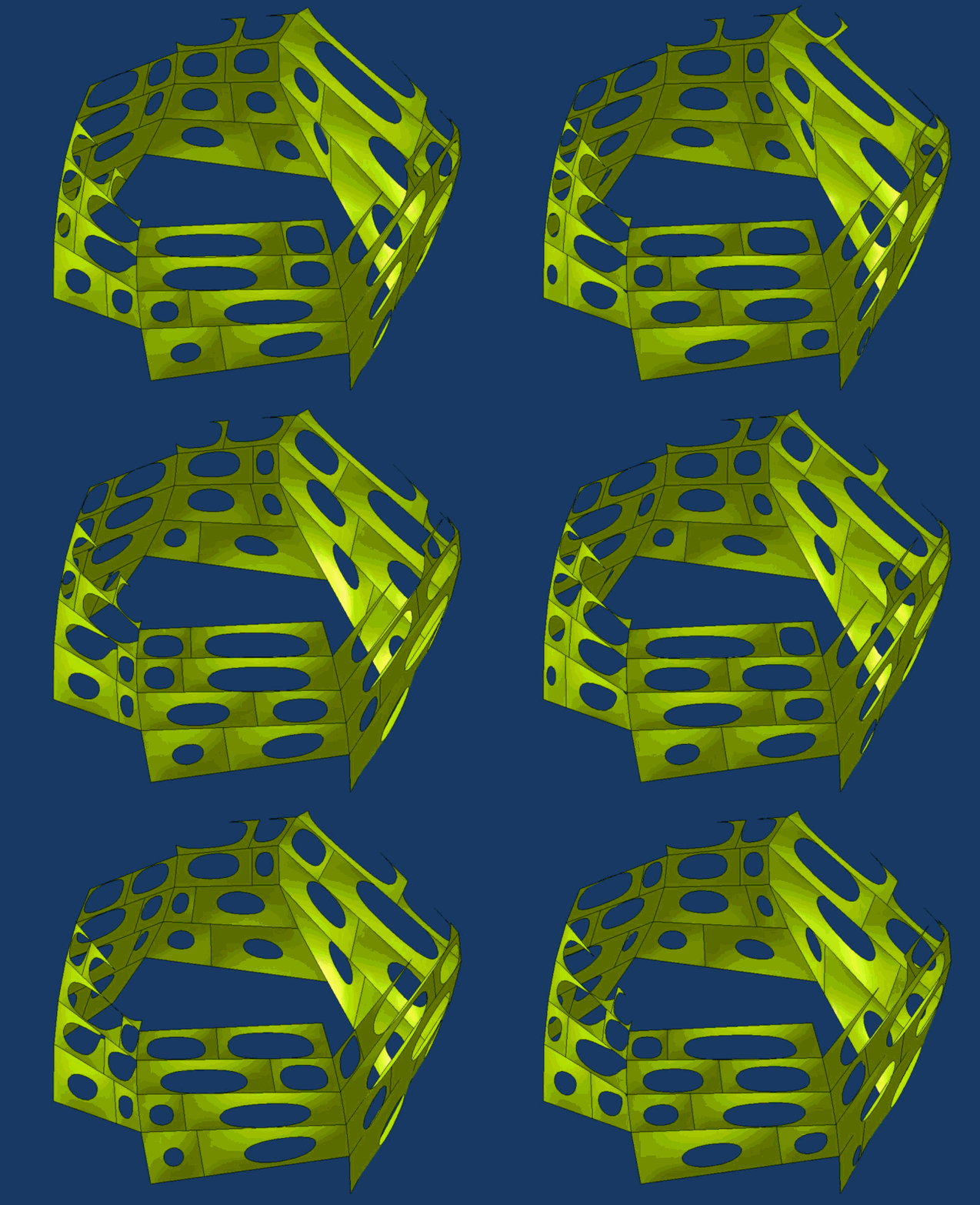
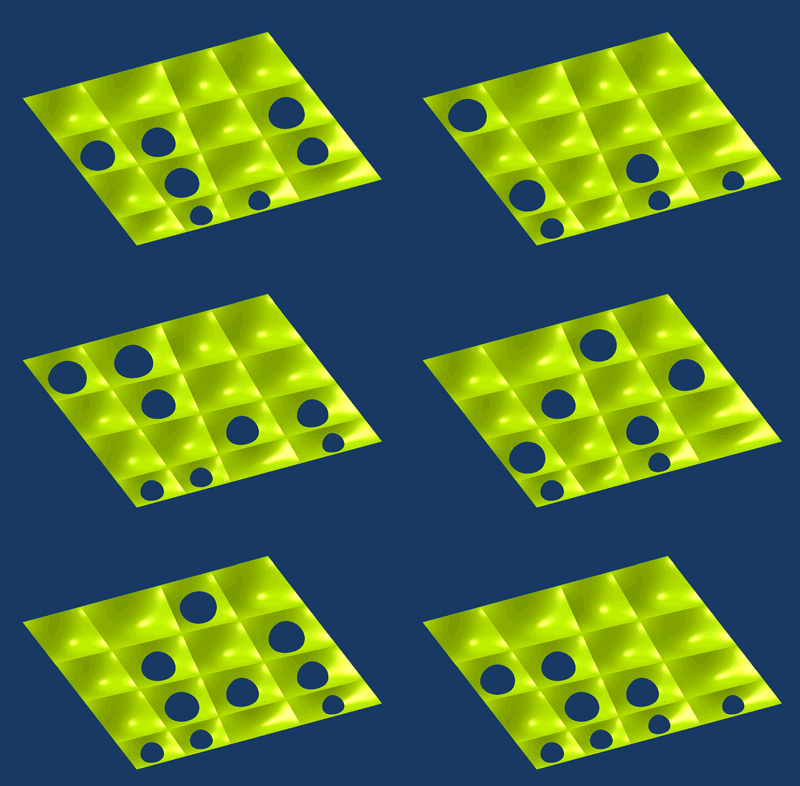
Here are images of a new project where random rules are used to size and orient a box with one open side.

A hybrid design powercopy is used in a part body. Each solid powercopy is located in a framework with one insertion point. A design table pulls random numbers from an excel file. Missing boxes are dropped out with another random rule that allows for some of the boxes to be made interactive (hidden).

Below are additional iterations from a different perspective. The framework is also quite flexible so that can be manipulated by user inputs.

Here is a link to a zip file with the catpart file, the design table excel file, and a txt file with the rule I used to randomize the orientation and size of the boxes.

Monday, May 31, 2010

Rule for Controlling Activity

Here is a simple rule embedded within a powercopy that controls if geometry is active or not (visible or displayed).  Robert Yuen and I figured this out while working on a research project for a parametric house.

The rule allows for geometry to be active or in-active based on a simple boolean parameter.  In the case for this tutorial, if a dimension is greater than a specified value, a middle strut is made active.

Click HERE to start the video.
 

Saturday, May 22, 2010

Color Changing Rule

Here is a short tutorial that shows how to make a rule that will change the display color of a powercopy.  The syntax for the rule was worked out by Julie Flohr and her students at UIC.  The next step is to work this into a knowledge pattern.  The benefit of something like this is to give you real-time feedback based on a certain criteria that you set.  As you change something, the display is updated.

Click the image to launch the video tutorial.  It is 16 minutes long.

Saturday, March 6, 2010

Attractor Point tutorial added

Finally had a chance to go back and complete the video tutorial for the attractor point tutorial.

Click here for the video.

Sunday, January 31, 2010

Attractor Point with Range

I received a request recently about using an attractor point in DP.  This was a famous early Grasshopper example so I figured I could do a simple version using DP.  The tutorial also includes a powercopied rule to set the range of the attractor point allowing for greater or lesser impact of the point on the circle radii.

Here is the text for a rule that gets powercopied with the geometry:
if buildgeo\radius_inner > radius_max 
{buildgeo\radius_float = radius_max }
else if buildgeo\radius_inner < radius_min 
{buildgeo\radius_float = radius_min }
else {buildgeo\radius_float = buildgeo\radius_inner }

Here is the file if anyone wants to work through the example (file here).  Click on the image below to start the video.

Saturday, September 26, 2009

SmartSurfaces - Digital Project PowerCopy Sun Tracker

Tutorial based on demo from SmartSurfaces.  The tutorial covers the creation of powercopies with embedded / dynamic parameters.

Click image to launch video.


Sunday, November 30, 2008

Random Numbers for Framework

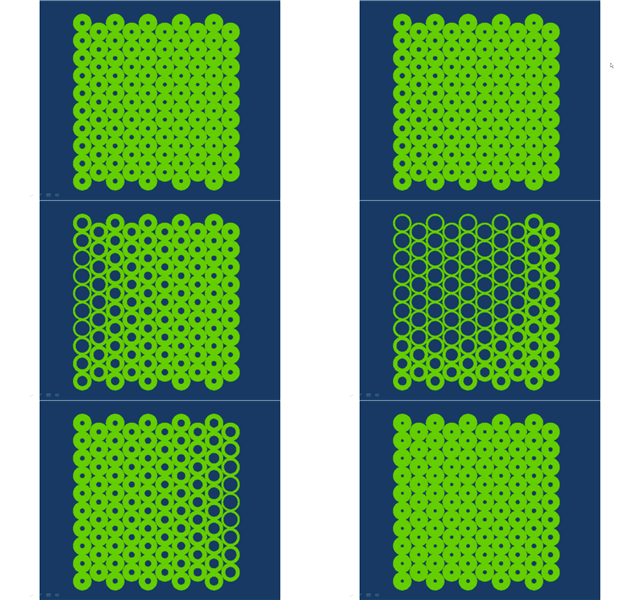
This video tutorial attempts to pull together a few of the previous examples. A powercopy is used to adapt to its height and to be divided based on a random number from an Excel design table. The Excel spreadsheet can be a powerful tool to control geometry.

Click the image to get to the streaming video.


Sunday, October 26, 2008

Unfolded PowerCopy

Tutorial that explains how to include unfolded geometry in a powercopy.
The tutorial also shows how to use local and global parameters.
18 minutes. Click the image for the video.

Saturday, October 18, 2008

Random Numbers linked from Excel

This tutorial will describe the creation of a design table, allowing for the control of geometry from an Excel spread sheet. The design table is also useful for input and output of data from Digital Project. Using the random number generator from Excel, a rule is created to randomly open or close the geometry of a powercopy.

Here is a link to the video.


Tuesday, September 23, 2008

Digital Project - Tutorial 4 - Power Copies

Here is the fourth Digital Project tutorial developed for the ParaMod Seminar.

It is 45 minutes long and introduces advanced replication using a simple framework.

Click the image below to go to the streaming video.


Saturday, June 21, 2008

Polar Array Framework

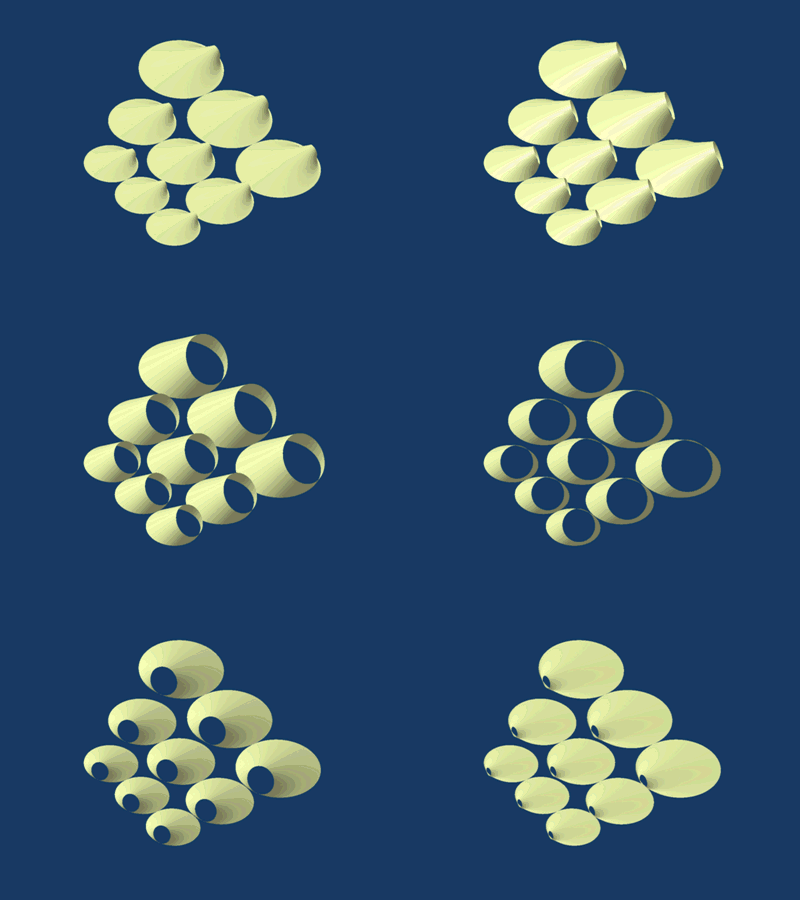
Inspired by a series of dome structures by Nervi, this project explores the use of a polar array for a framework. The model uses a few simple parameters to control aperature size and depth.


The crossing points of the framework are used as the input points for the cell. A central point is used to control the polar array and distort the framework.