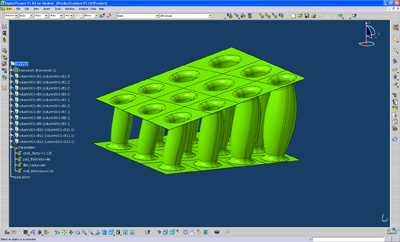
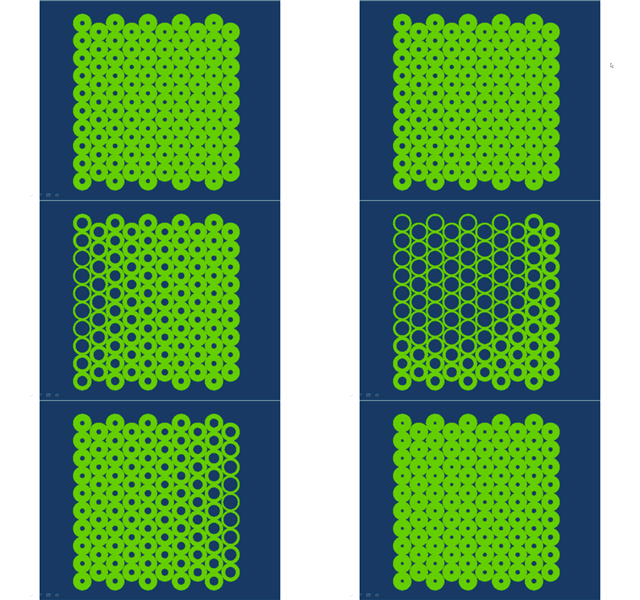
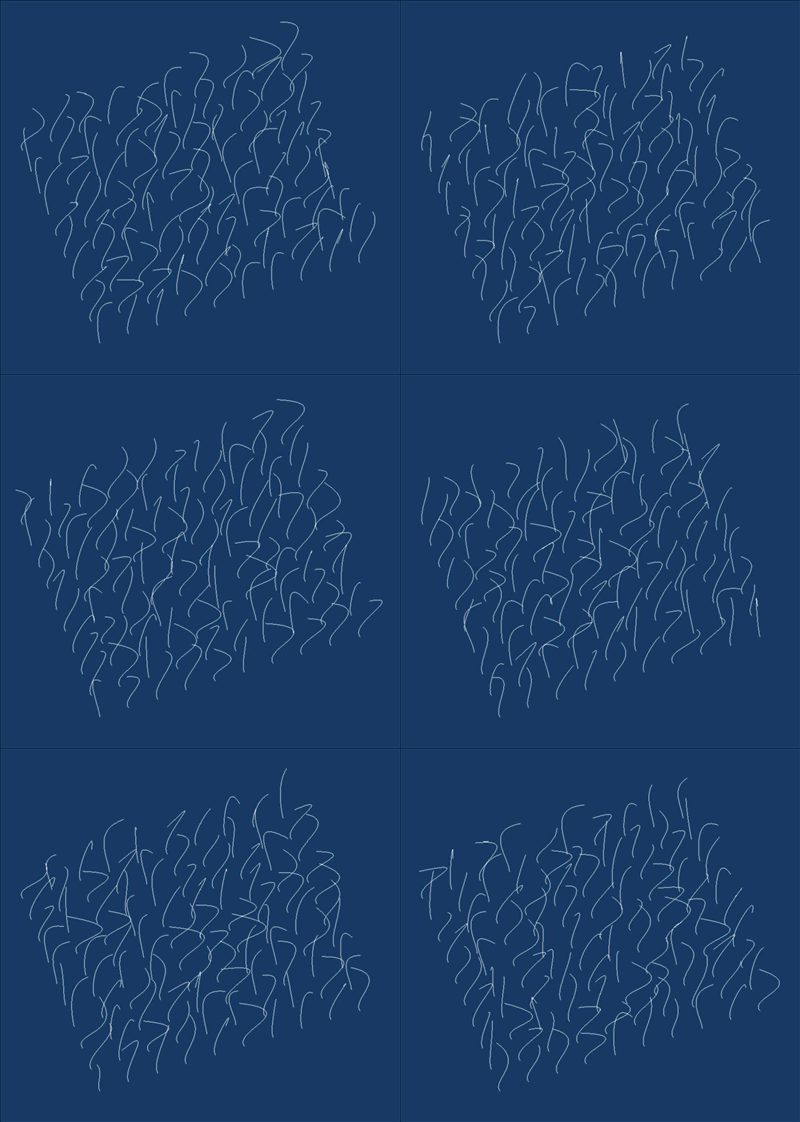
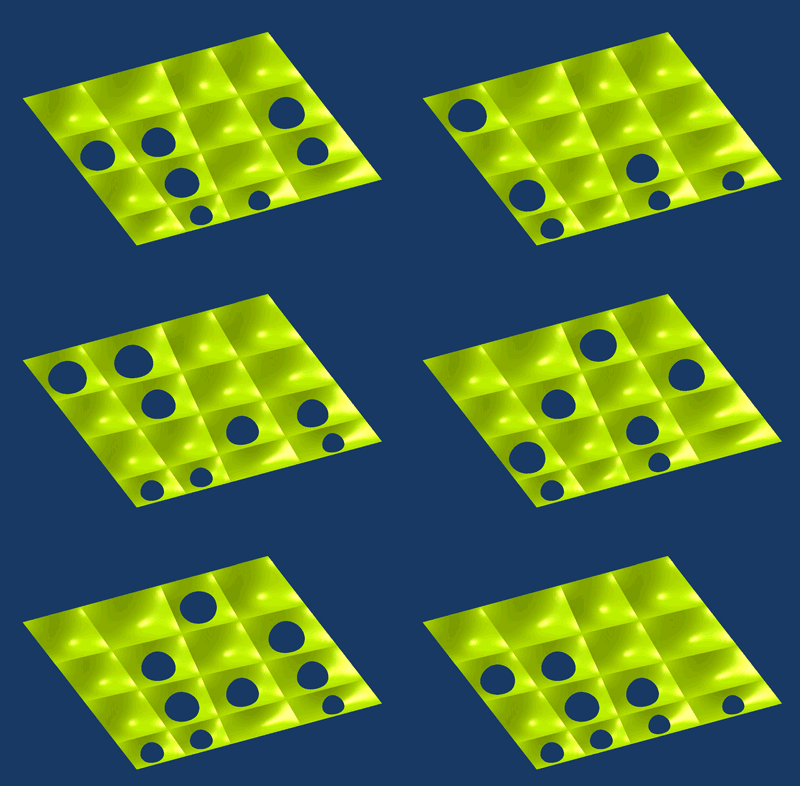
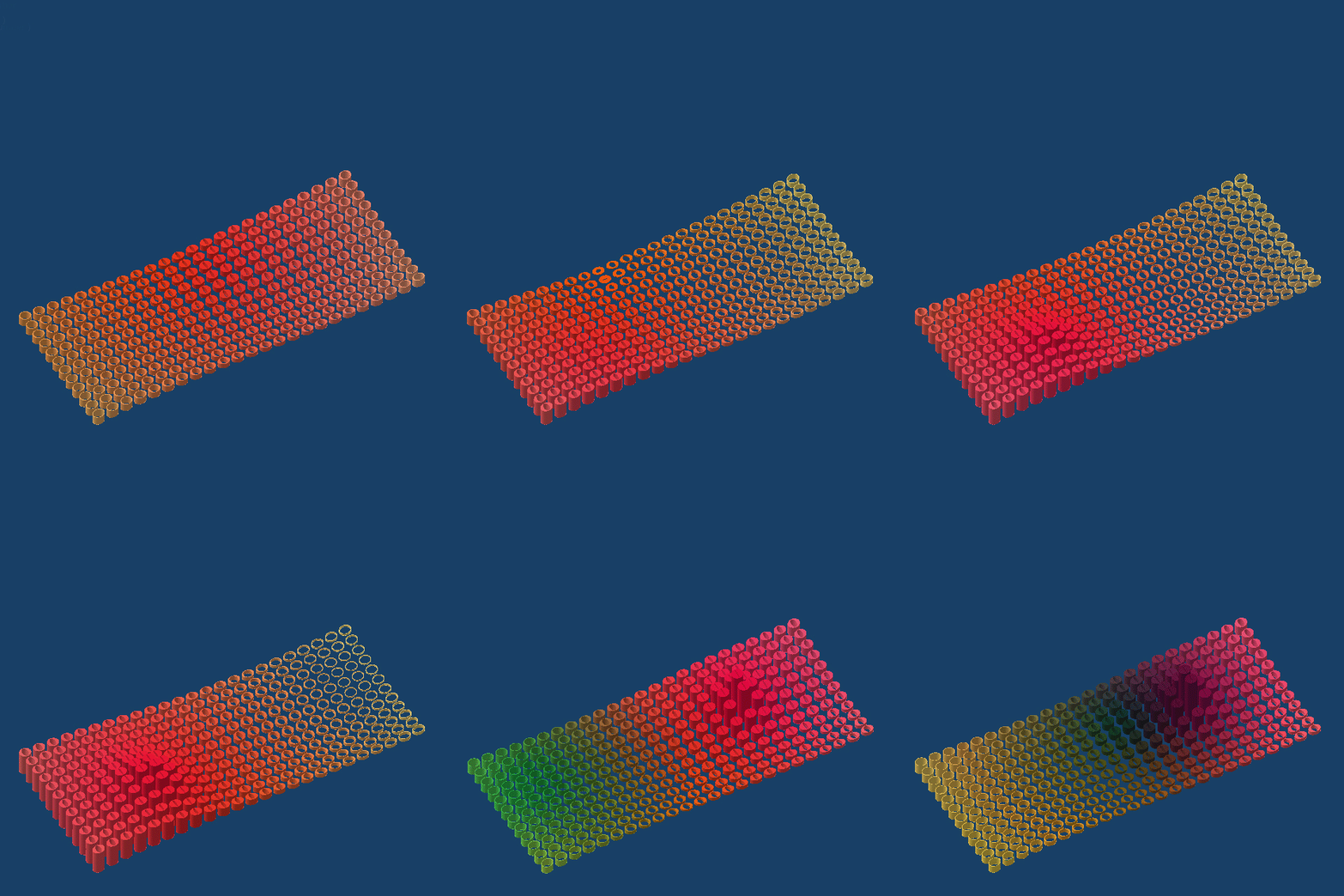
This model is an approach to mapping a series of divergent agendas. A number of geometric and visual traits are triggered by 4 attractor points. The cylinders are generated on a topography. The cylinder varies its height, thickness in two directions and its color as informed by the proximity to the multiple atractor points.
The model uses a knowledge pattern that is informed by a series of embedded rules controlling the color and two thicknesses). The animation only moves the attractor points and leaves the topography in place.
Showing posts with label rules. Show all posts
Sunday, June 1, 2014
Wednesday, December 4, 2013
Using Random Rules to Generate Form
Here are images of a new project where random rules are used to size and orient a box with one open side.
A hybrid design powercopy is used in a part body. Each solid powercopy is located in a framework with one insertion point. A design table pulls random numbers from an excel file. Missing boxes are dropped out with another random rule that allows for some of the boxes to be made interactive (hidden).
Below are additional iterations from a different perspective. The framework is also quite flexible so that can be manipulated by user inputs.
Here is a link to a zip file with the catpart file, the design table excel file, and a txt file with the rule I used to randomize the orientation and size of the boxes.
Labels:
parametric,
powercopy,
project,
rules
Monday, May 31, 2010
Rule for Controlling Activity
Here is a simple rule embedded within a powercopy that controls if geometry is active or not (visible or displayed). Robert Yuen and I figured this out while working on a research project for a parametric house.
The rule allows for geometry to be active or in-active based on a simple boolean parameter. In the case for this tutorial, if a dimension is greater than a specified value, a middle strut is made active.
Click HERE to start the video.
The rule allows for geometry to be active or in-active based on a simple boolean parameter. In the case for this tutorial, if a dimension is greater than a specified value, a middle strut is made active.
Click HERE to start the video.
Labels:
parametric,
powercopy,
rules,
tutorial
Saturday, May 22, 2010
Color Changing Rule
Here is a short tutorial that shows how to make a rule that will change the display color of a powercopy. The syntax for the rule was worked out by Julie Flohr and her students at UIC. The next step is to work this into a knowledge pattern. The benefit of something like this is to give you real-time feedback based on a certain criteria that you set. As you change something, the display is updated.
Click the image to launch the video tutorial. It is 16 minutes long.
Labels:
parametric,
powercopy,
rules,
tutorial
Saturday, March 6, 2010
Attractor Point tutorial added
Finally had a chance to go back and complete the video tutorial for the attractor point tutorial.
Click here for the video.
Sunday, February 7, 2010
Document Template Tutorial with Rules
This tutorial starts with an existing framework (download here). I also included two rules to control the circles to always sit inside of the control points.
The document template allows you to deal with advanced replication of solids. It also allows you to create separate files for each part, so that each instance can be modified independently.
If you want to jump ahead to the actual making of the document template you can download the geometry for the part (here).
The document template allows you to deal with advanced replication of solids. It also allows you to create separate files for each part, so that each instance can be modified independently.
If you want to jump ahead to the actual making of the document template you can download the geometry for the part (here).
Labels:
document template,
rules,
tutorial
Sunday, January 31, 2010
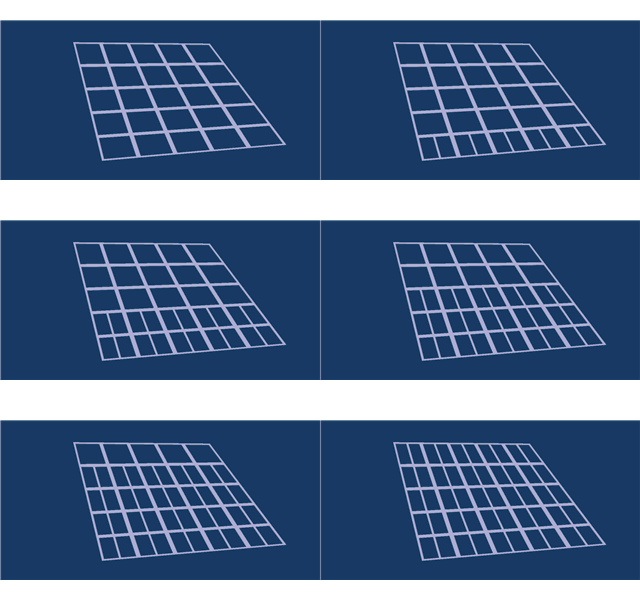
Attractor Point with Range
I received a request recently about using an attractor point in DP. This was a famous early Grasshopper example so I figured I could do a simple version using DP. The tutorial also includes a powercopied rule to set the range of the attractor point allowing for greater or lesser impact of the point on the circle radii.
Here is the text for a rule that gets powercopied with the geometry:
Here is the file if anyone wants to work through the example (file here). Click on the image below to start the video.
Here is the text for a rule that gets powercopied with the geometry:
if buildgeo\radius_inner > radius_max
{buildgeo\radius_float = radius_max }
else if buildgeo\radius_inner < radius_min
{buildgeo\radius_float = radius_min }
else {buildgeo\radius_float = buildgeo\radius_inner }Here is the file if anyone wants to work through the example (file here). Click on the image below to start the video.
Wednesday, December 24, 2008
Knowledgeware Optimization
This tutorial introduces the knowledgeware warning function and multi-parameter optimization. In this tutorial I model a simple room and use its dimensions and configuration to analyze surface area and volume. Using the values, the reverberation time is calculated. As a first attempt at using the engineering optimization tools I let the software determine the room dimensions based on appropriate reverberation times.
Click the image to begin the streaming video.

Labels:
parametric,
rules,
tutorial
Saturday, October 18, 2008
Random Numbers linked from Excel
This tutorial will describe the creation of a design table, allowing for the control of geometry from an Excel spread sheet. The design table is also useful for input and output of data from Digital Project. Using the random number generator from Excel, a rule is created to randomly open or close the geometry of a powercopy.
Here is a link to the video.

Here is a link to the video.

Labels:
parametric,
powercopy,
rules,
seminar,
tutorial
Thursday, June 26, 2008
Digital Project Honeycombs
The post for today is an excert from a project that used digital project to build responsive honeycomb structures. The main goal was to work with rules (rule firing in digital project). In this case, as the cells are stretched, the average cell size is computed. The light gray shows the geometric constraints for the cells.
Then as the individual cell is made larger or smaller than the average size, it is made deep/shallow or thick/think. This variation is visible in the iterations below. This level of analysis adds a level of removal from the designer. One cannot be sure where the depth will shift.
Variations are rendered to give some sense of the range of variation possible. I will be gearing up for class in the fall and will post tutorials on document templates and rule firing, check back.

Then as the individual cell is made larger or smaller than the average size, it is made deep/shallow or thick/think. This variation is visible in the iterations below. This level of analysis adds a level of removal from the designer. One cannot be sure where the depth will shift.
Variations are rendered to give some sense of the range of variation possible. I will be gearing up for class in the fall and will post tutorials on document templates and rule firing, check back.
Labels:
document template,
parametric,
project,
rules
Subscribe to:
Posts (Atom)